
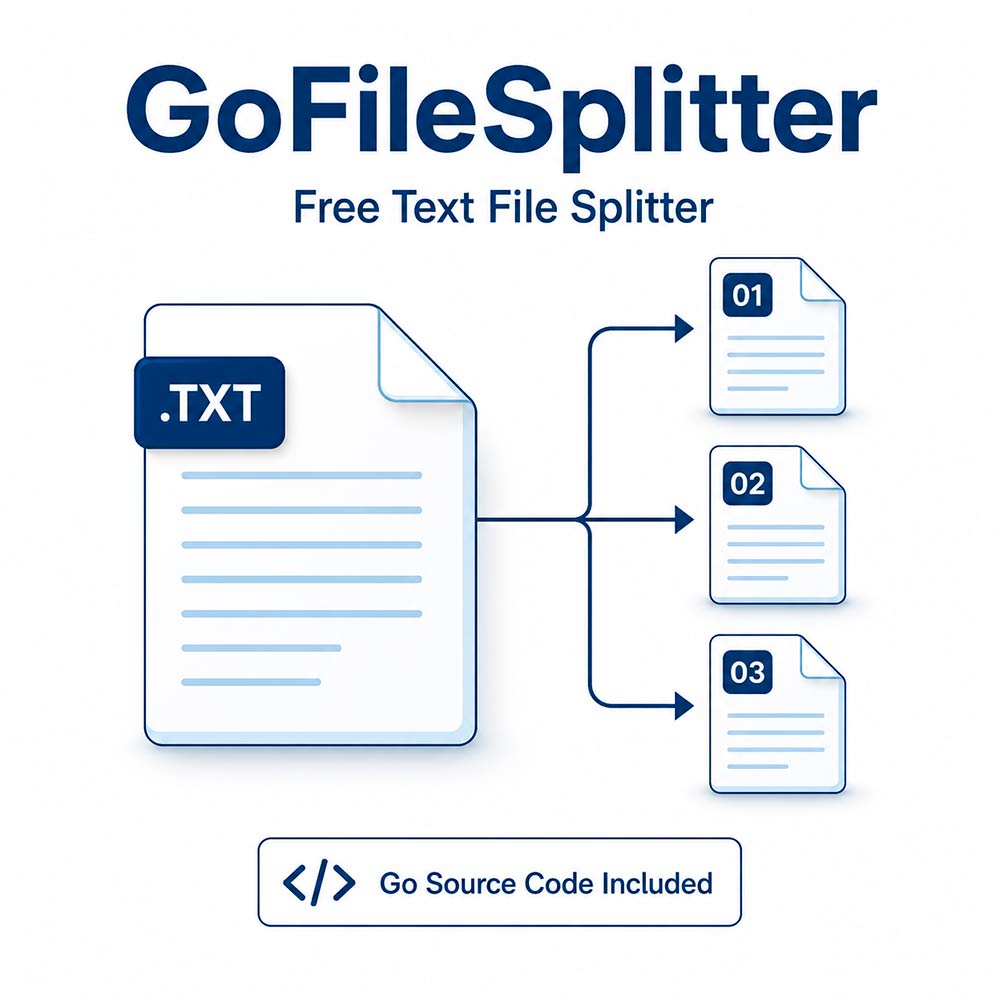
Break large text files into smaller, more manageable parts with GoFileSplitter, a free command-line utility written in Go. Choose an input folder, select a file extension, and specify how many lines each output file should contain.
Go source code is included. You can inspect how the tool works, learn from its implementation, and build the executable yourself. Processing takes place locally on your computer, without uploading your files or creating an online account.
Key Features
- Split files by line count: Set a positive number of lines per part to control the size of your output files.
- Process multiple files: Split matching files from an entire folder in a single run.
- Search through subfolders: The tool recursively scans the selected input directory.
- Filter by extension: Choose which files to process, such as .txt or .log.
- Customize output names: Add your own naming label alongside the source filename and a sequential part number.
- Preserve line order: Lines remain in their original sequence within each source file’s output parts.
- View processing messages: See input and output filenames in the terminal as the tool works.
Useful For
- Dividing long text lists into smaller batches.
- Breaking log files into sections for easier inspection.
- Preparing line-based data for tools with line-count limits.
- Organizing text exports for manual review or further processing.
- Studying a practical example of file processing in Go.
How to Use It
- Install Go if you want to run or compile the included source code.
- Place your input files in a dedicated folder.
- Create a results folder in your working directory. Keep this folder outside the input directory being scanned.
- Open a terminal and provide the input directory, file extension, output naming label, and desired number of lines per part.
- Find the generated parts in the results folder.
Example command:
start cmd /K "file_spiter.exe ./input .txt out 500000"This processes .txt files inside ./input and its subfolders, splitting each file separately into parts containing up to 1,000 lines.
For example, a data.txt file containing 2,500 lines produces:
data_part_1.txt- 1,000 lines.data_part_2.txt- 1,000 lines.data_part_3.txt- 500 lines.
Source Code Included
The download includes the Go source file, file_spiter.go. The implementation uses Go’s standard library, with no third-party Go packages required. You can run it from source or compile an executable for your environment.
Requirements and Important Notes
- Command-line interface: This tool runs in a terminal and does not include a graphical interface.
- Text-based processing: Splitting is based on physical lines, including blank lines. The tool does not understand document structure, repeat CSV headers, or keep multiline records together.
-
Use an empty output folder: Existing output files
with matching names can be overwritten. Empty files inside
resultsand its subfolders are removed after processing. - Avoid duplicate source filenames: Results are placed in one output folder. Files with identical names in different input subfolders can generate conflicting output names.
- Line endings: Output uses LF line endings and adds a newline after every line, including the final line.
- Very long lines: The current implementation has a scanner limit of approximately 30 MiB per line.
- Check your results: Keep backups of important data and verify the generated files before using them in another workflow.
Free to download, with source code included. A focused utility for splitting line-based text files on your own computer.