
GoFileMerge - Free TXT & CSV File Merger
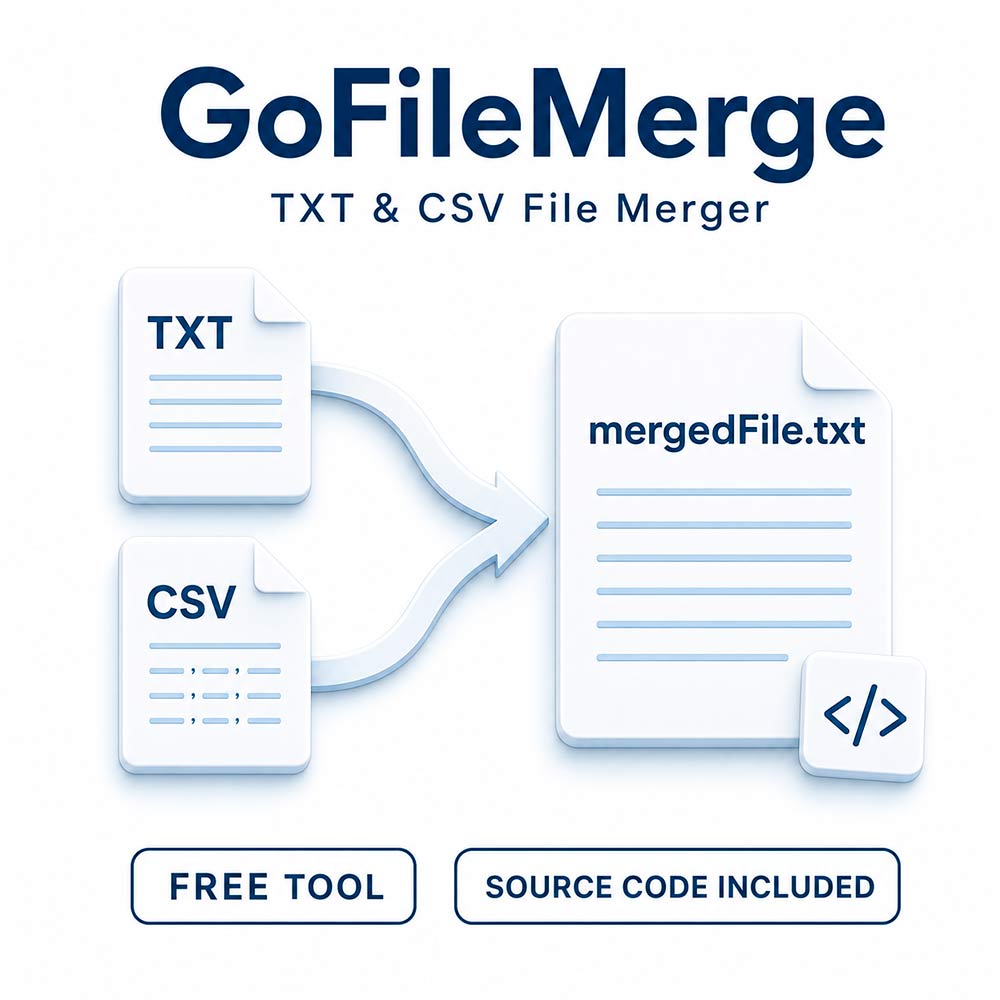
Combine multiple text files into one with GoFileMerge, a free command-line utility written in Go. It scans the current working folder and its subfolders, then copies the contents of supported files into a single mergedFile.txt output file.
Whether you need to collect text exports, consolidate notes, or bring together files stored across several folders, GoFileMerge provides a straightforward alternative to manually copying and pasting their contents.
Key Features
- TXT and CSV support: Combines the raw contents of files with .txt> and .csv extensions.
- Recursive folder scanning: Automatically includes matching files from nested subfolders.
- One consolidated output: Saves the combined content to mergedFile.txt in the working folder.
- Console progress: Displays the path of each file as it is processed.
- Local processing: File contents stay on your computer. The program does not upload them to an external service.
- Stream-based copying: Copies file contents without loading every input file into memory at once.
- Free download: A practical utility available at no cost.
Source Code Included
The Go source code is included with the download. You can inspect how the program works, adapt its behavior to your workflow, and compile your own version using the Go toolchain.
Its compact implementation also makes it a useful reference for exploring directory traversal, file handling, and stream copying in Go.
How to Use
- Organize the files you want to combine in a dedicated folder. Matching files in its subfolders will also be included.
- Back up or move any existing mergedFile.txt from that folder before starting.
- Launch GoFileMerge with your chosen folder as the current working directory.
- Follow the file paths displayed in the console while the program copies their contents.
-
After successful completion, open
mergedFile.txtto review the result, then press Enter to exit the program.
Useful For
- Collecting plain-text notes into a single document.
- Combining text-based exports for further processing.
- Gathering text files spread across multiple subfolders.
- Learning from a small Go file-processing utility.
Important Usage Notes
- Existing output is overwritten: Starting the program creates or clears mergedFile.txt. Keep a backup of any previous result.
- Contents are appended as-is: No separators or extra line breaks are inserted between files. Ensure your input files end with a line break if you need their contents to remain on separate lines.
- CSV files are treated as text: The tool does not validate columns, remove repeated headers, eliminate duplicates, or reconcile different CSV formats.
- Encoding is preserved: The program does not convert character encodings. Use compatible input encodings for a readable combined result.
-
Extension matching is case-sensitive:
This version recognizes lowercase .txt and
.csvextensions. - Output files are excluded: Files named exactly mergedFile.txt are skipped throughout the folder tree.
- Check completion before using the result: If an error interrupts processing, the output may contain only part of the intended content.
Download GoFileMerge for free, with Go source code included.
Customer Reviews
No reviews yet.
Secure Checkout
24/7 Support