
GoCryptoAnalysis - Automated AI Crypto Chart Analyzer with Telegram Alerts
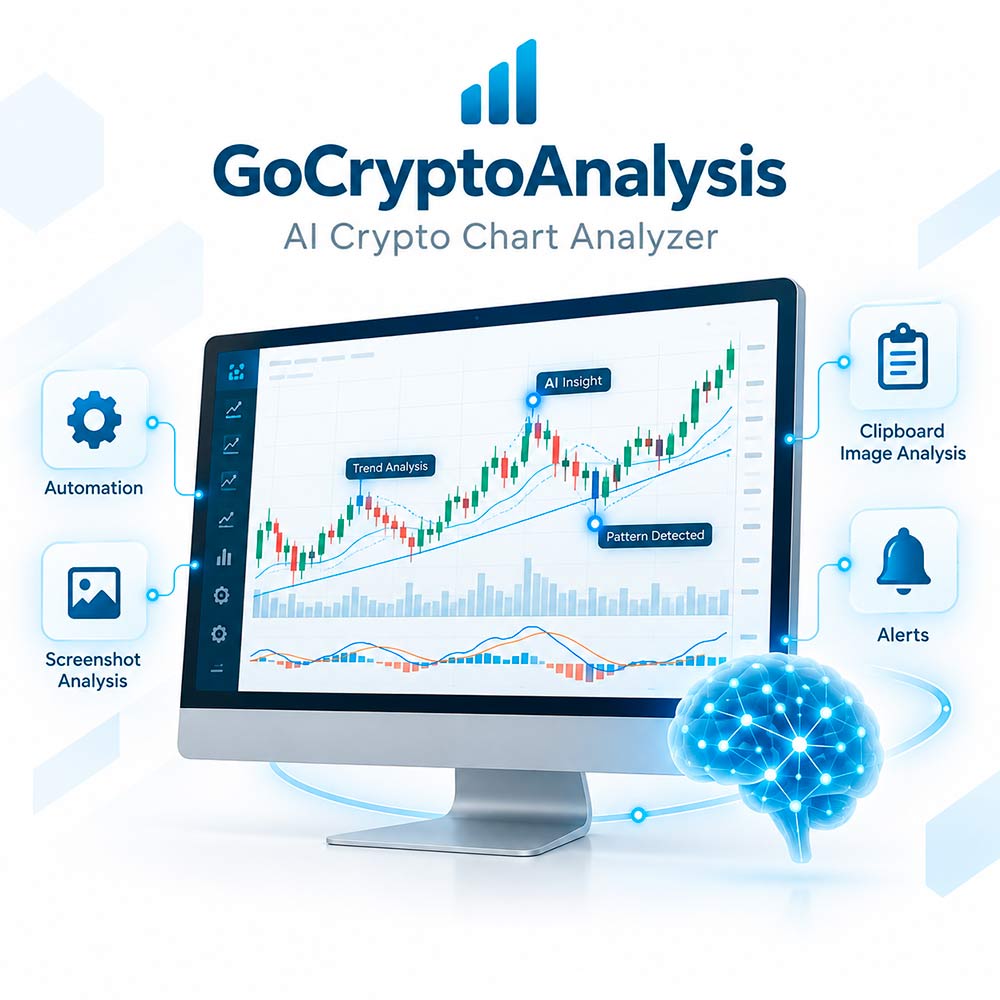
GoCryptoAnalysis is a Windows desktop application that helps you analyze cryptocurrency trading charts using artificial intelligence. The software automatically captures a selected chart window or processes images copied to the Windows Clipboard, sends them to your configured OpenAI-compatible API endpoint, and saves the AI-generated analysis locally.
Optional Telegram notifications let you receive the chart image and generated analysis directly in a private chat, group, or channel.
GoCryptoAnalysis is designed for traders, market researchers, and cryptocurrency enthusiasts who want to automate repetitive visual chart reviews while retaining full control over analysis prompts, the AI model, the screenshot area, and the output format.
Key Features
- Automatic chart window capture: Find a visible Windows application by a full or partial window title and capture it automatically at a configurable interval.
- Custom screenshot cropping: Remove unnecessary interface elements from the left, top, right, and bottom edges of the selected window.
- Clipboard image analysis: Copy a chart image to the Windows Clipboard and let the application detect and process it automatically.
- AI-powered visual analysis: Send chart screenshots to an OpenAI-compatible API using a model that supports image input and Chat Completions.
- Custom analysis instructions: Configure both the system prompt and user request to define the required analysis method and response format.
- Configurable model parameters: Control the model name, maximum response length, temperature, Top P, frequency penalty, and presence penalty where supported.
- Modern model compatibility: The application automatically adjusts message roles and token parameters for GPT-5+, GPT-6+, and numerical o-series models.
- Telegram notifications: Optionally send the source image, AI-generated analysis, and an additional custom message to a Telegram user, group, or channel.
- Local result storage: Save the latest chart images and corresponding text analyses in local folders.
- Duplicate clipboard detection: Avoid repeatedly processing the same clipboard image.
- Desktop notifications: Receive a Windows notification after a clipboard image has been processed.
- OpenAI-compatible endpoints: Use the official OpenAI API or another compatible endpoint, subject to provider and model compatibility.
How It Works
- Configure the license, target window title, screenshot interval, crop area, AI endpoint, API key, model, and prompts in settings.ini.
- Start crypto_analysis.exe or use the included launch file.
- The application finds the first visible window whose title contains the configured text.
- At each configured interval, the window is brought to the foreground and its selected area is captured.
- The image and your analysis instructions are submitted to the configured AI model.
- The resulting analysis is saved locally and optionally sent to Telegram.
Clipboard processing can run at the same time. When enabled, the application checks the Windows Clipboard once per second and processes newly copied images.
Customizable Analysis
You are not limited to one predefined analysis format. The included prompt files can be customized for your trading workflow. Depending on your prompt and the information visible in the chart, you can request:
- Market trend identification
- Support and resistance levels
- Candlestick pattern recognition
- Volume analysis
- MACD, Fractals, Alligator, RSI, moving averages, and other visible indicators
- Buy, Sell, or Hold classifications
- Possible entry levels
- Possible take-profit and stop-loss levels
- Confidence estimates
- Plain text, lists, or table-style output
The model is instructed to analyze only the information visible in the submitted image. Actual results depend on chart quality, the selected model, the API provider, and prompt configuration.
Telegram Integration
Telegram delivery is optional. When enabled, GoCryptoAnalysis can send:
- A notification heading
- The captured chart image
- The complete AI-generated analysis
- An optional custom promotional or informational message
You must provide your own Telegram bot token and a valid numeric user, group, or channel ID. The bot must have permission to send messages and files to the selected destination.
Local Output Files
The latest processing results are stored in the following locations:
- data/img/screenshot.png - latest captured window image
- data/text/screenshot.txt - latest window analysis
- data/img/clipboard.png - latest clipboard image
- data/text/clipboard.txt - latest clipboard-image analysis
These files are replaced when a new image from the same source is successfully processed. The software retains the latest result rather than maintaining a complete historical archive.
Important Usage Notes
- The target window must be open, restored, and visible on the screen.
- Another window should not cover the chart area while the screenshot is being taken.
- The first automatic screenshot is taken after one complete configured interval.
- The application brings the matching window to the foreground before capture.
- Successfully processed clipboard content is cleared automatically.
- API access, API credits, model usage fees, and Telegram services are not included with the product.
- Compatibility with third-party OpenAI-compatible services depends on their API implementation and supported parameters.
- Keep your API keys, Telegram token, license, and populated settings.ini file private.
Privacy and External Data Transfers
Chart images are sent to the API endpoint configured by the user. If Telegram notifications are enabled, images and generated analyses are also sent through Telegram. License and hardware identifiers are submitted to the licensing server during activation and validation.
Do not process confidential charts, account details, personal data, or other sensitive information unless you understand and accept the data-handling policies of the configured API provider, Telegram, and the licensing service.
License and Delivery
This is a digital product. No physical item will be shipped. A valid license is required to start the application. License validation requires an active internet connection and may be subject to device or activation limits described in the included license documents.
Important Disclaimer
GoCryptoAnalysis is an analytical assistance tool and does not execute trades or connect directly to an exchange.
AI-generated market analyses, signals, entry levels, take-profit levels, stop-loss levels, and confidence estimates may be incomplete or incorrect. They are provided for informational and educational purposes only and do not constitute financial, investment, legal, or tax advice. Cryptocurrency trading involves substantial risk. You remain solely responsible for reviewing the output and making all trading decisions.
Customer Reviews
No reviews yet.
Launch of the release.
Secure Checkout
24/7 Support